
Join the Conversation
- Find Answers
- :
- Apps & Add-ons
- :
- All Apps and Add-ons
- :
- All Apps and Add-ons
- :
- Fix Cisco Security Suite eStreamer data not popula...
- Subscribe to RSS Feed
- Mark Topic as New
- Mark Topic as Read
- Float this Topic for Current User
- Bookmark Topic
- Subscribe to Topic
- Mute Topic
- Printer Friendly Page
- Mark as New
- Bookmark Message
- Subscribe to Message
- Mute Message
- Subscribe to RSS Feed
- Permalink
- Report Inappropriate Content
Fix Cisco Security Suite eStreamer data not populating problem

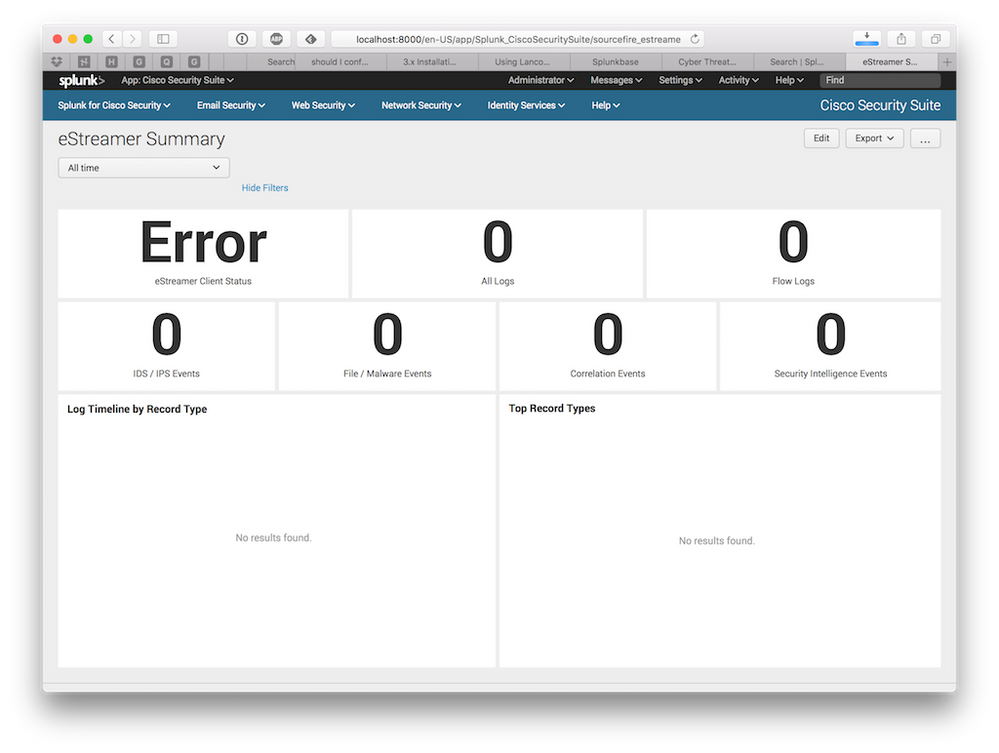
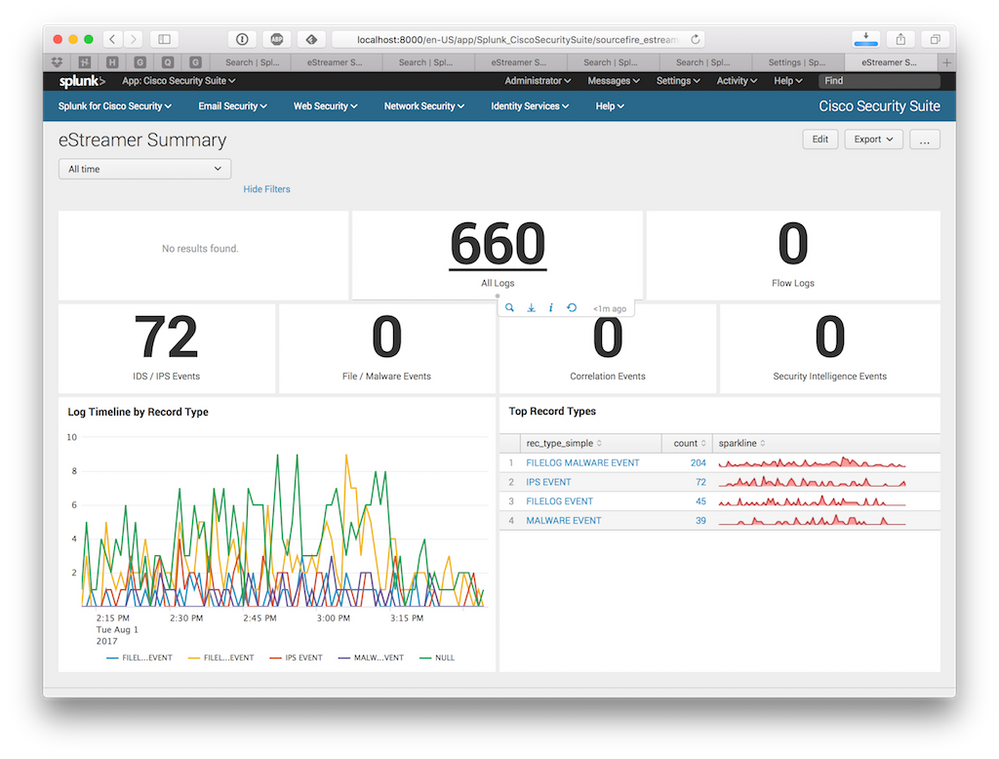
I found "Sourcefire IPS" section in Cisco Security Suite didn't have any data or chart populated.
Drill down a bit, it's because 2 macros relying on are referring to index=estreamer. In case of using eventgen, simulation data is output to index=main. If we're capturing eStreamer data and not specify index=estream, would also cause the same problem. I suggest Splunk would update the app and take away such dependence.
My interim solution is to have following macros.conf in local to override default macros.conf
[SfeS-estreamer-logs]
definition = sourcetype=estreamer OR sourcetype=cisco:sourcefire

[SfeS-client-check-logs]
definition = sourcetype=client_check
- Mark as New
- Bookmark Message
- Subscribe to Message
- Mute Message
- Subscribe to RSS Feed
- Permalink
- Report Inappropriate Content

There are two problems with Cisco Security Suite v312 using Cisco eStreamer eNcore addon for Splunk v300 (for FMC v6).
The first one is Cisco Security Suite expects logs in index called estreamer. The solution is create inputs.conf under opt/splunk/etc/apps/TA-eStreamer/local/
[monitor://$SPLUNK_HOME/etc/apps/TA-eStreamer/data]
disabled = false
index = estreamer

[script://./bin/splencore.sh start]
disabled = 0
index = estreamer

[script://./bin/splencore.sh status]
disabled = 0
index = estreamer
The second problem is the macro used in Cisco Security Suite. The solution is to create etc/apps/Splunk_CiscoSecuritySuite/local/macros.conf
[SfeS-index]
definition = index=estreamer

[SfeS-estreamer-logs]
definition = `SfeS-index` sourcetype=cisco:estreamer:data

[SfeS-client-check-logs]
definition = `SfeS-index` sourcetype=cisco:estreamer:status




Join the Splunk Community Slack to learn, troubleshoot, and make connections with fellow Splunk practitioners in real time!
Join Splunk User Groups to connect and learn in-person by region or remotely by topic or industry.
Value Insights: Now Generally Available in the CMC
What’s New in Splunk AI: Volume 02
Splunk App Dev Quarterly Roundup: AI, Agents, and Innovation!
