
Join the Conversation
- Find Answers
- :
- Splunk Administration
- :
- Admin Other
- :
- Security
- :
- Re: Splunk Change ur own password Capability -- No...
- Subscribe to RSS Feed
- Mark Topic as New
- Mark Topic as Read
- Float this Topic for Current User
- Bookmark Topic
- Subscribe to Topic
- Mute Topic
- Printer Friendly Page
- Mark as New
- Bookmark Message
- Subscribe to Message
- Mute Message
- Subscribe to RSS Feed
- Permalink
- Report Inappropriate Content
Splunk Change ur own password Capability -- Not Working in Splunk 6.1.2 version

Hi ,
I have a created a role called "userrole" and have imported the default "user" role capabilities and added the "change_own_password" to the capabity.
i.e below is the sample
[role_userrole]
importRoles = user
change_own_password = enabled
cumulativeRTSrchJobsQuota = 0
cumulativeSrchJobsQuota = 0
search = enabled
srchIndexesAllowed = _internal,_audit
srchMaxTime = 0
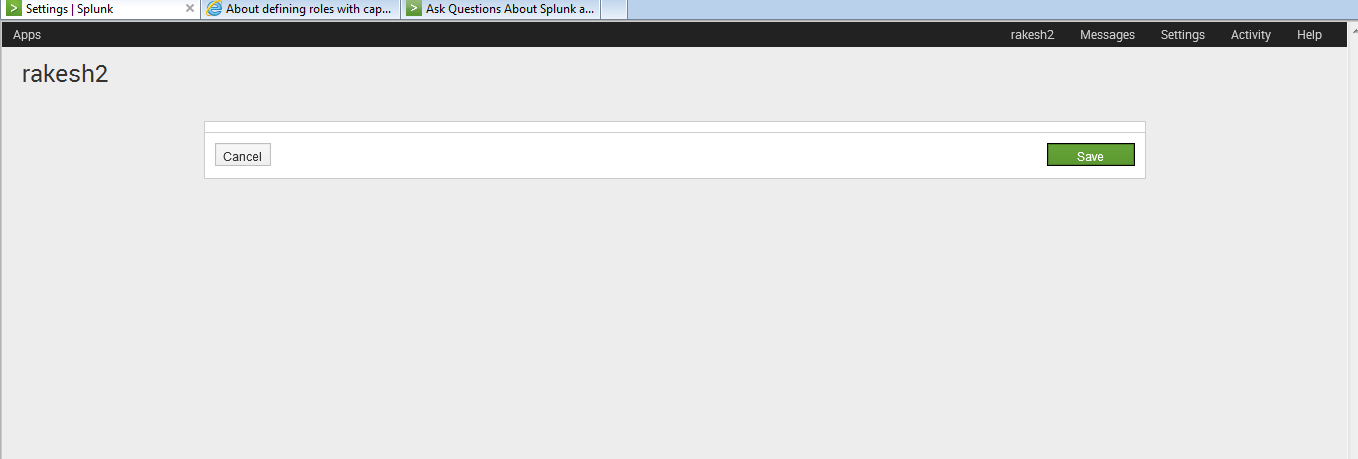
Now i have created a user called "rakesh2" and assigned the above role "userrole" . Once logging with the below user "rakesh2" and clicking on the edit account to change the password.. its not all showing me any data.
i am getting the below screen ..
alt text
Can anyone suggest ..is this a bug in 6.1.2 or am i missing something ??
- Mark as New
- Bookmark Message
- Subscribe to Message
- Mute Message
- Subscribe to RSS Feed
- Permalink
- Report Inappropriate Content

you should not need to add "change_own_password = enabled" and "search = enabled" as it is part the user role capabilities.
And i guess you added it manually in the conf file because it should not let you do so when doing it via the interface.
With the following it works for me:
[role_userrole]
cumulativeRTSrchJobsQuota = 0
cumulativeSrchJobsQuota = 0
importRoles = user
srchIndexesAllowed = *;_audit;_internal
srchMaxTime = 0
- Mark as New
- Bookmark Message
- Subscribe to Message
- Mute Message
- Subscribe to RSS Feed
- Permalink
- Report Inappropriate Content
Still no luck mario M .. 😞
- Mark as New
- Bookmark Message
- Subscribe to Message
- Mute Message
- Subscribe to RSS Feed
- Permalink
- Report Inappropriate Content
did you try with 6.1.3? which browser are you using?
- Mark as New
- Bookmark Message
- Subscribe to Message
- Mute Message
- Subscribe to RSS Feed
- Permalink
- Report Inappropriate Content
i forgot to mention my splunk is on version 6.1.3 and on macosx

Accelerating Observability as Code with the Splunk AI Assistant
Integrating Splunk Search API and Quarto to Create Reproducible Investigation ...
Congratulations to the 2025-2026 SplunkTrust!
