
Join the Conversation
- Find Answers
- :
- Using Splunk
- :
- Dashboards & Visualizations
- :
- How to make a word in Bold in dashboard?
- Subscribe to RSS Feed
- Mark Topic as New
- Mark Topic as Read
- Float this Topic for Current User
- Bookmark Topic
- Subscribe to Topic
- Mute Topic
- Printer Friendly Page
- Mark as New
- Bookmark Message
- Subscribe to Message
- Mute Message
- Subscribe to RSS Feed
- Permalink
- Report Inappropriate Content

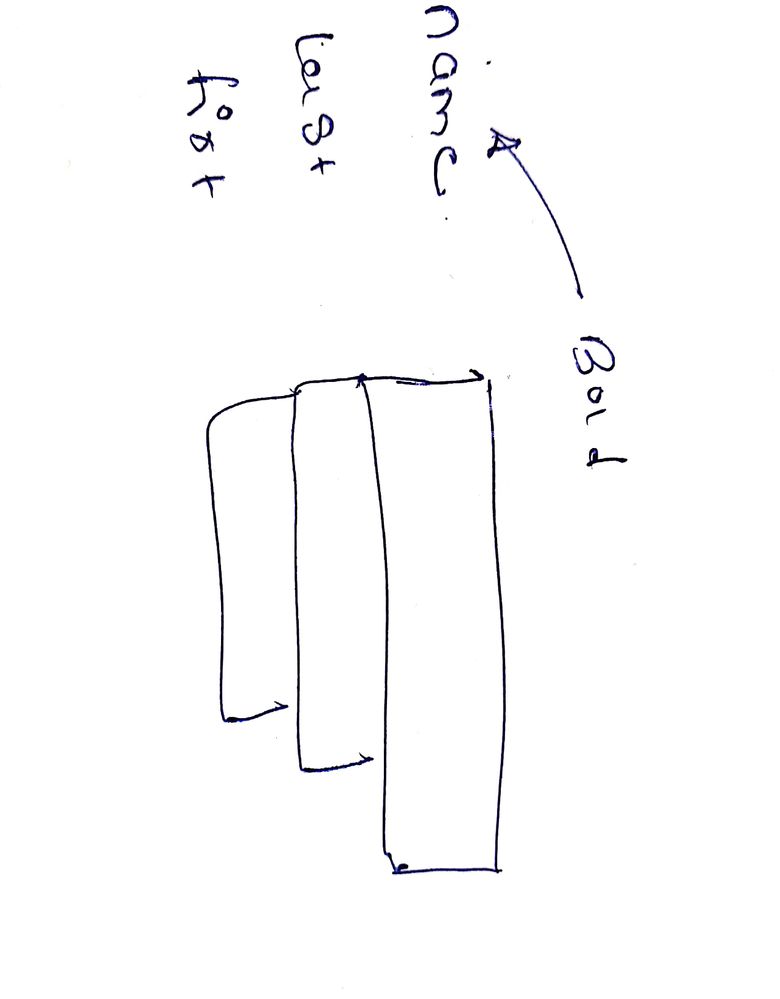
I have to make dashboard word in bold , detail given in screenshot

- Mark as New
- Bookmark Message
- Subscribe to Message
- Mute Message
- Subscribe to RSS Feed
- Permalink
- Report Inappropriate Content


Hi rakesh44,
the only way is to modify CSS.
If you want, you can highlight rows or cells changing cell color, but to have bold in a colums the only way is CSS.
Ciao.
Giuseppe
- Mark as New
- Bookmark Message
- Subscribe to Message
- Mute Message
- Subscribe to RSS Feed
- Permalink
- Report Inappropriate Content
Hi rakesh44,
the only way is to modify CSS.
If you want, you can highlight rows or cells changing cell color, but to have bold in a colums the only way is CSS.
Ciao.
Giuseppe
- Mark as New
- Bookmark Message
- Subscribe to Message
- Mute Message
- Subscribe to RSS Feed
- Permalink
- Report Inappropriate Content
Hi Giuseppe,
Can you guide me what to add in xml Thanks
- Mark as New
- Bookmark Message
- Subscribe to Message
- Mute Message
- Subscribe to RSS Feed
- Permalink
- Report Inappropriate Content
Hi rakesh44,
I'm not an expert of CSS so I suggest to search it using Google.
Anyway, the intervene to do is:
- to create a css for your dashboard containing the format you want .dashboard-header > h2 { font-size: 70px; }
- then replacethe first row of your dashboard with something like this
You can find some useful information at https://docs.splunk.com/Documentation/Splunk/7.3.2/AdvancedDev/UseCSS and https://docs.splunk.com/Documentation/Splunk/7.3.2/Module/Simplecustomizations
Ciao.
Giuseppe

Upcoming Webinar: Unmasking Insider Threats with Slunk Enterprise Security’s UEBA
.conf25 technical session recap of Observability for Gen AI: Monitoring LLM ...
A Season of Skills: New Splunk Courses to Light Up Your Learning Journey
